 4b50b27a74
* fix timeline scroll to the right in some cases (cherry picked from commit 17043a6c7f0b8852554b32c698ffb8539032a729) * add get position based on Date (cherry picked from commit 2fbe22d689de50e41b3b94b0970fb1f237063fa7) * Add sticky block name to enable it to be read throughout the block regardless of scroll position (cherry picked from commit 447af2e05a6ec67fc9a61d15c51555ed20de010c) * Enable blocks to have a single date on the block charts (cherry picked from commit cb055d566bd8a5434f7f2cecbac04c1d6e748ceb) * revert back date-range changes * change gradient of half blocks on Timeline * Add instance Id for Timeline Sidebar dragging to avoid enabling dropping of other drag instances * fix timeline scrolling height |
||
|---|---|---|
| .github | ||
| .idx | ||
| admin | ||
| aio | ||
| apiserver | ||
| deploy | ||
| live | ||
| nginx | ||
| packages | ||
| space | ||
| web | ||
| .dockerignore | ||
| .env.example | ||
| .gitattributes | ||
| .gitignore | ||
| app.json | ||
| CODE_OF_CONDUCT.md | ||
| CONTRIBUTING.md | ||
| docker-compose-local.yml | ||
| docker-compose.yml | ||
| ENV_SETUP.md | ||
| heroku.yml | ||
| LICENSE.txt | ||
| package.json | ||
| README.md | ||
| SECURITY.md | ||
| setup.sh | ||
| start.sh | ||
| turbo.json | ||
| yarn.lock | ||

Plane
Open-source project management that unlocks customer value


Website • Releases • Twitter • Documentation


Meet Plane, an open-source project management tool to track issues, run sprints cycles, and manage product roadmaps without the chaos of managing the tool itself. 🧘♀️
Plane is evolving every day. Your suggestions, ideas, and reported bugs help us immensely. Do not hesitate to join in the conversation on Discord or raise a GitHub issue. We read everything and respond to most.
⚡ Installation
The easiest way to get started with Plane is by creating a Plane Cloud account.
If you would like to self-host Plane, please see our deployment guide.
| Installation methods | Docs link |
|---|---|
| Docker |  |
| Kubernetes |  |
Instance admins can configure instance settings with God-mode.
🚀 Features
-
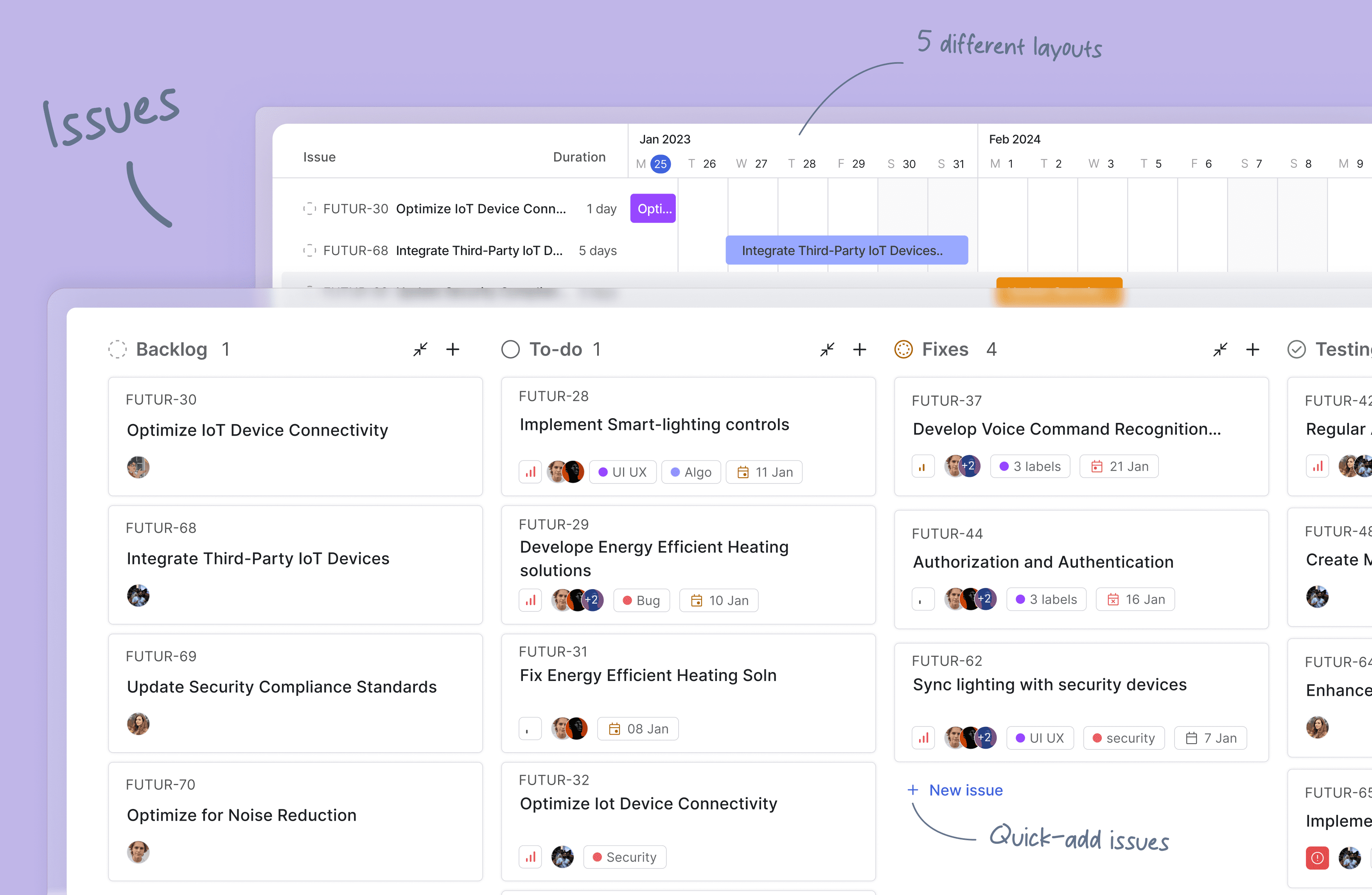
Issues: Quickly create issues and add details using a powerful rich text editor that supports file uploads. Add sub-properties and references to problems for better organization and tracking.
-
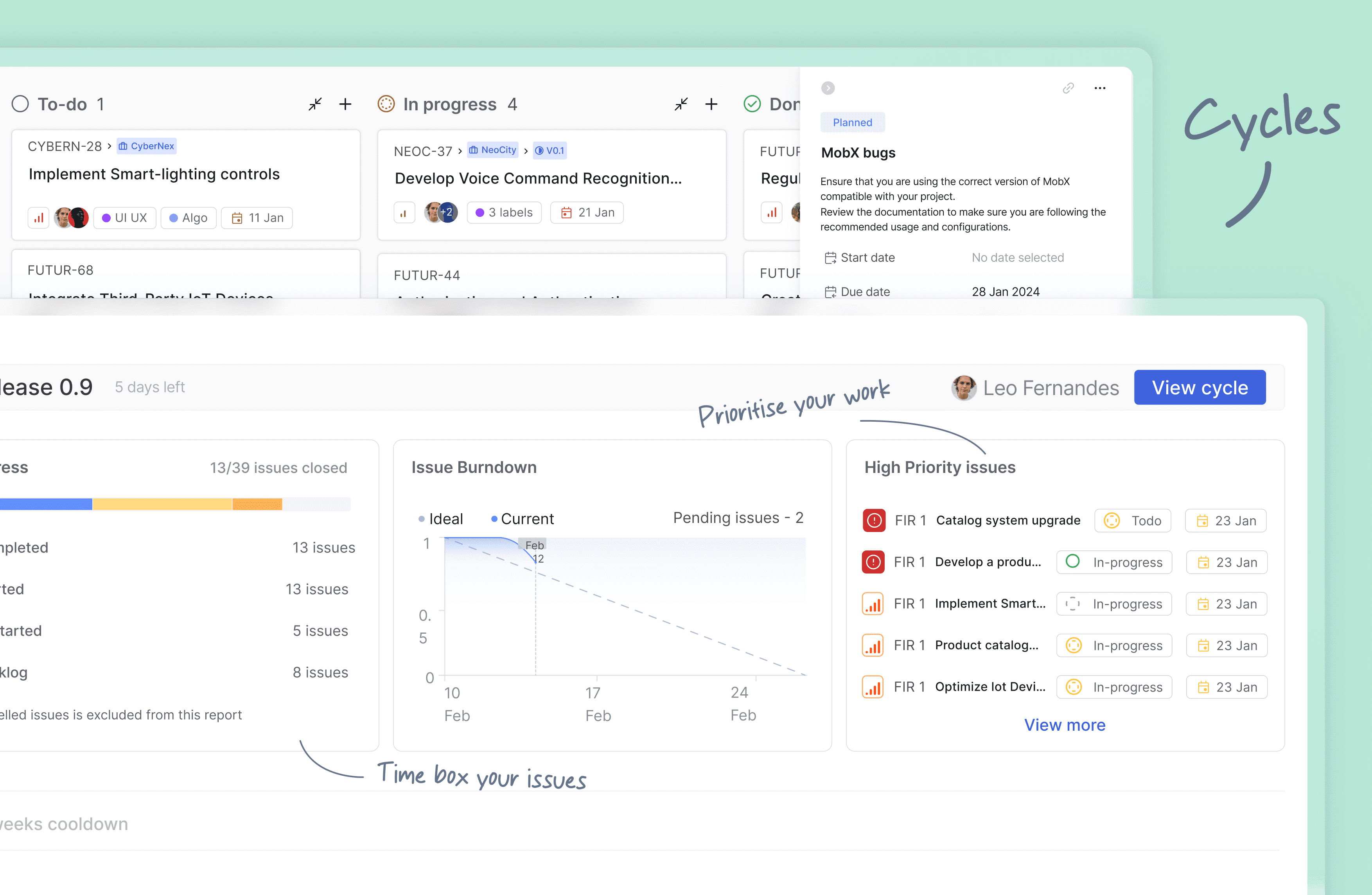
Cycles: Keep up your team's momentum with Cycles. Gain insights into your project's progress with burn-down charts and other valuable features.
-
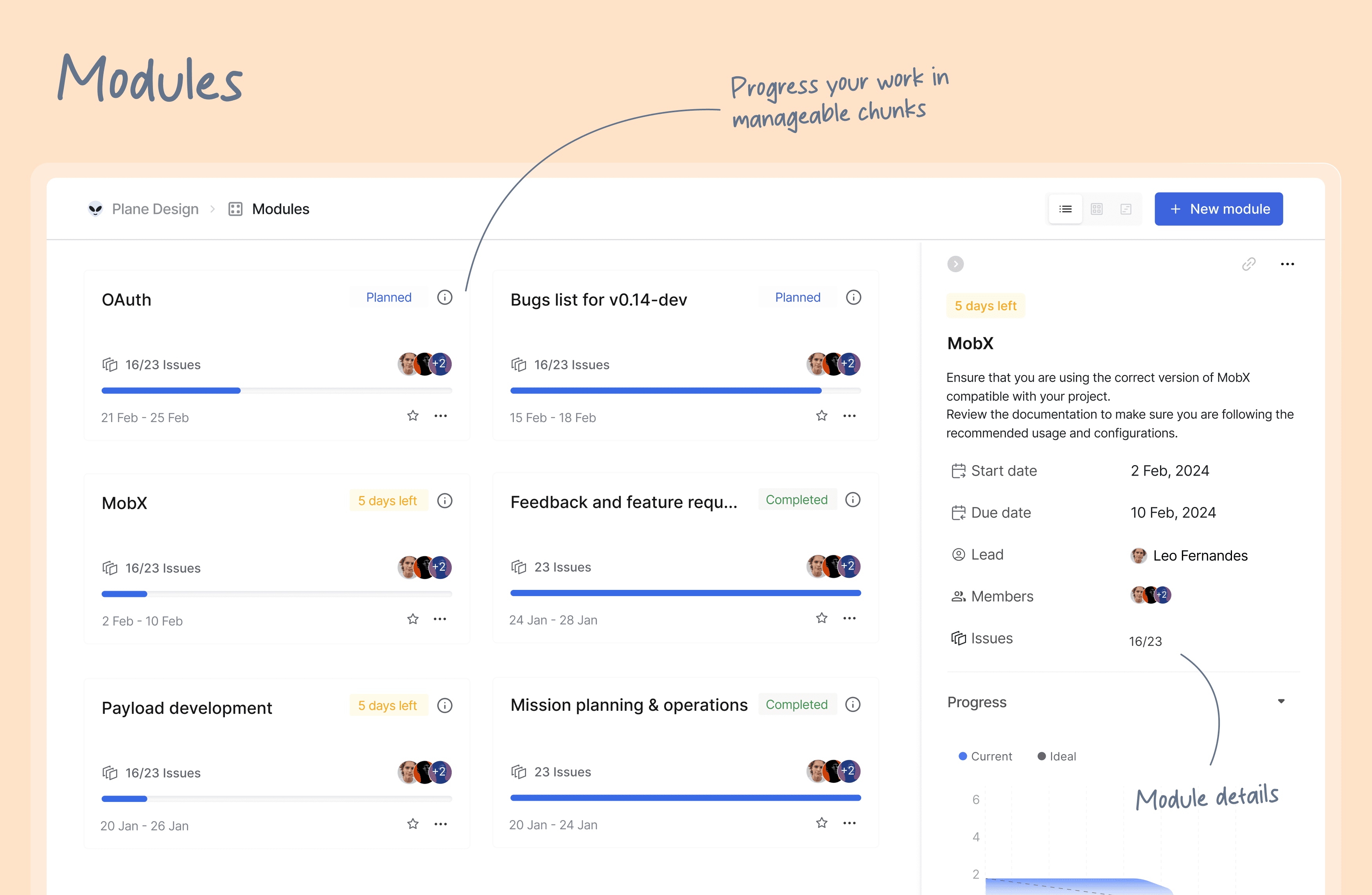
Modules: Break down your large projects into smaller, more manageable modules. Assign modules between teams to track and plan your project's progress easily.
-
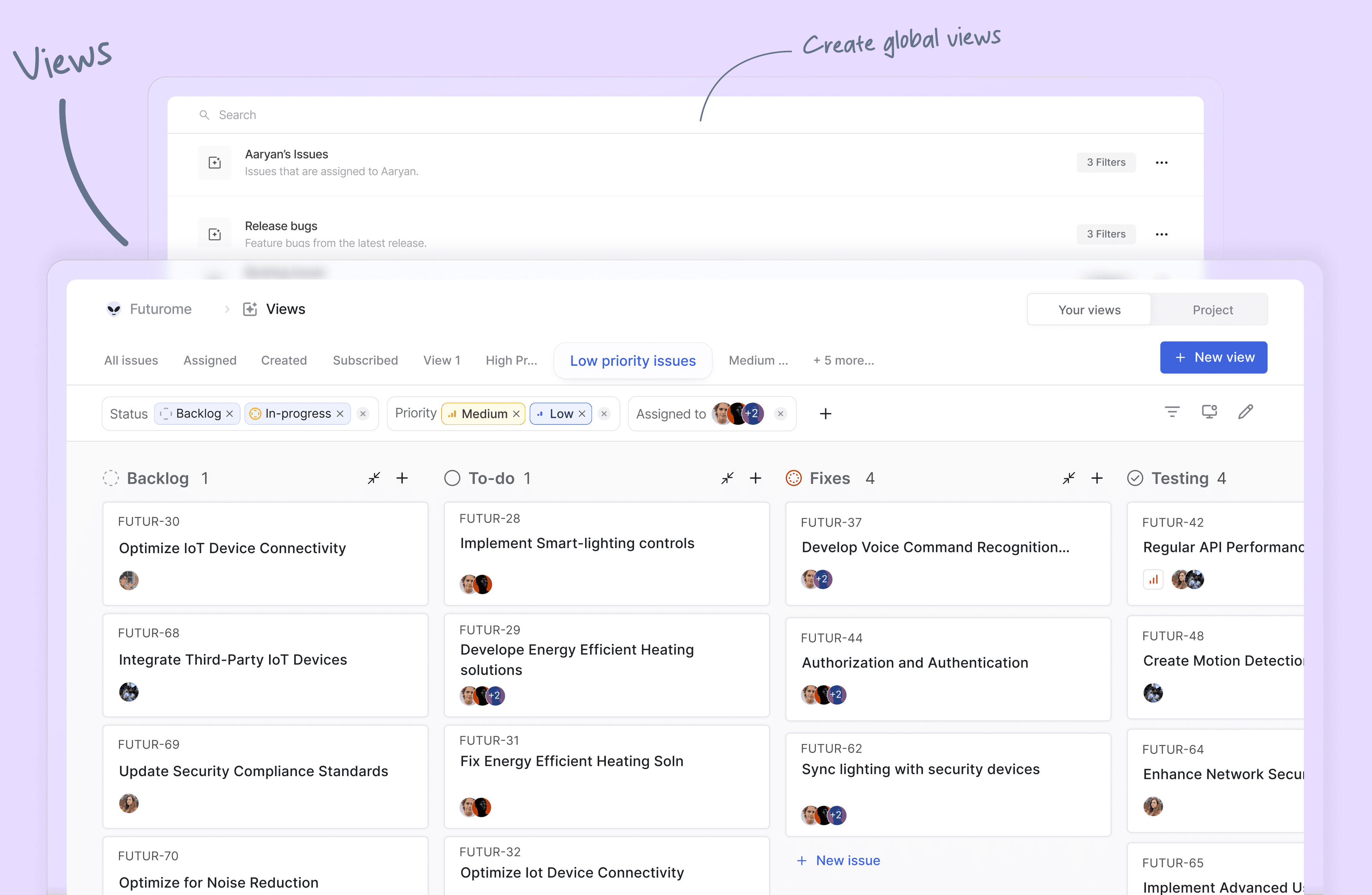
Views: Create custom filters to display only the issues that matter to you. Save and share your filters in just a few clicks.
-
Pages: Plane pages, equipped with AI and a rich text editor, let you jot down your thoughts on the fly. Format your text, upload images, hyperlink, or sync your existing ideas into an actionable item or issue.
-
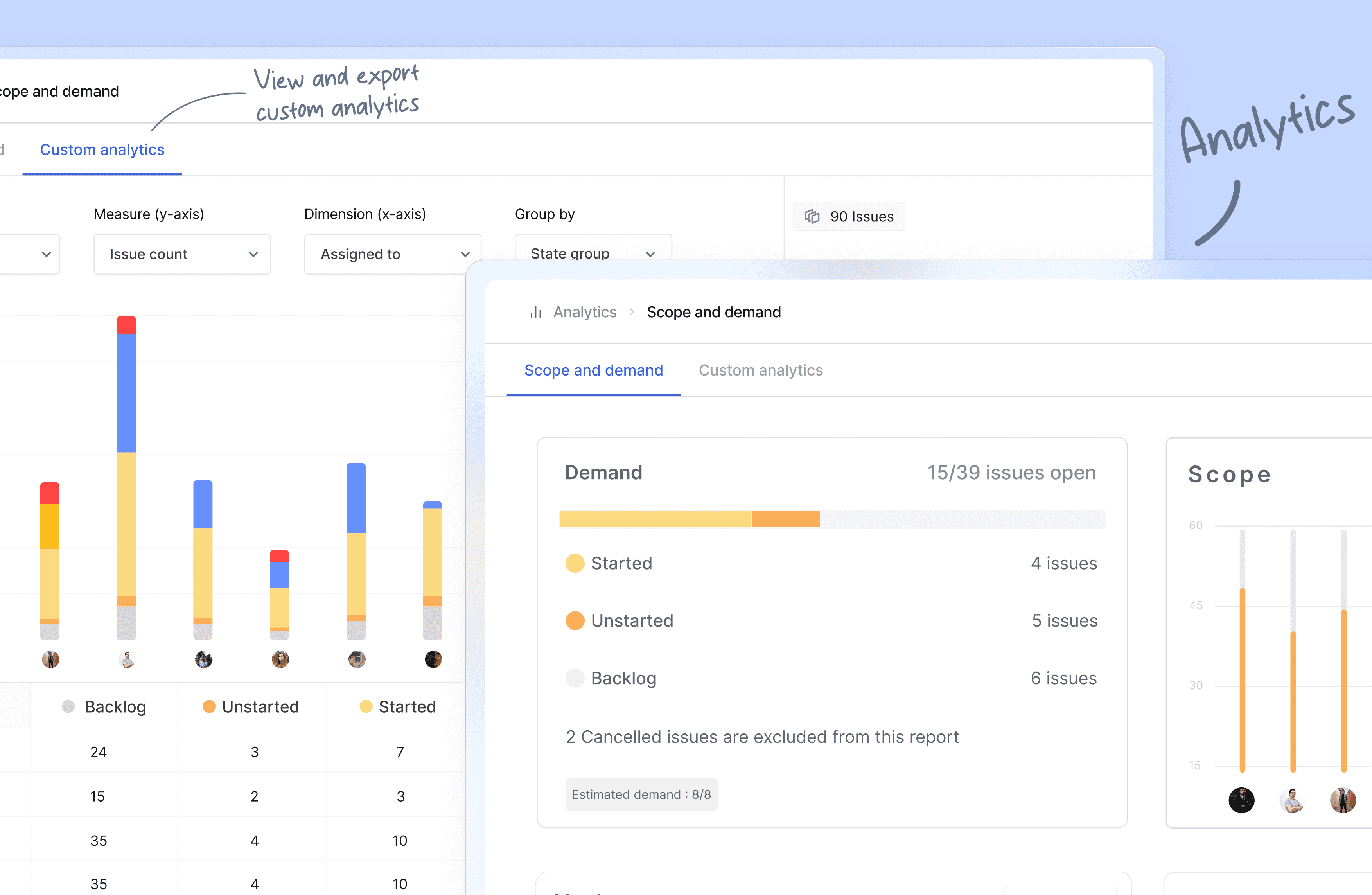
Analytics: Get insights into all your Plane data in real-time. Visualize issue data to spot trends, remove blockers, and progress your work.
-
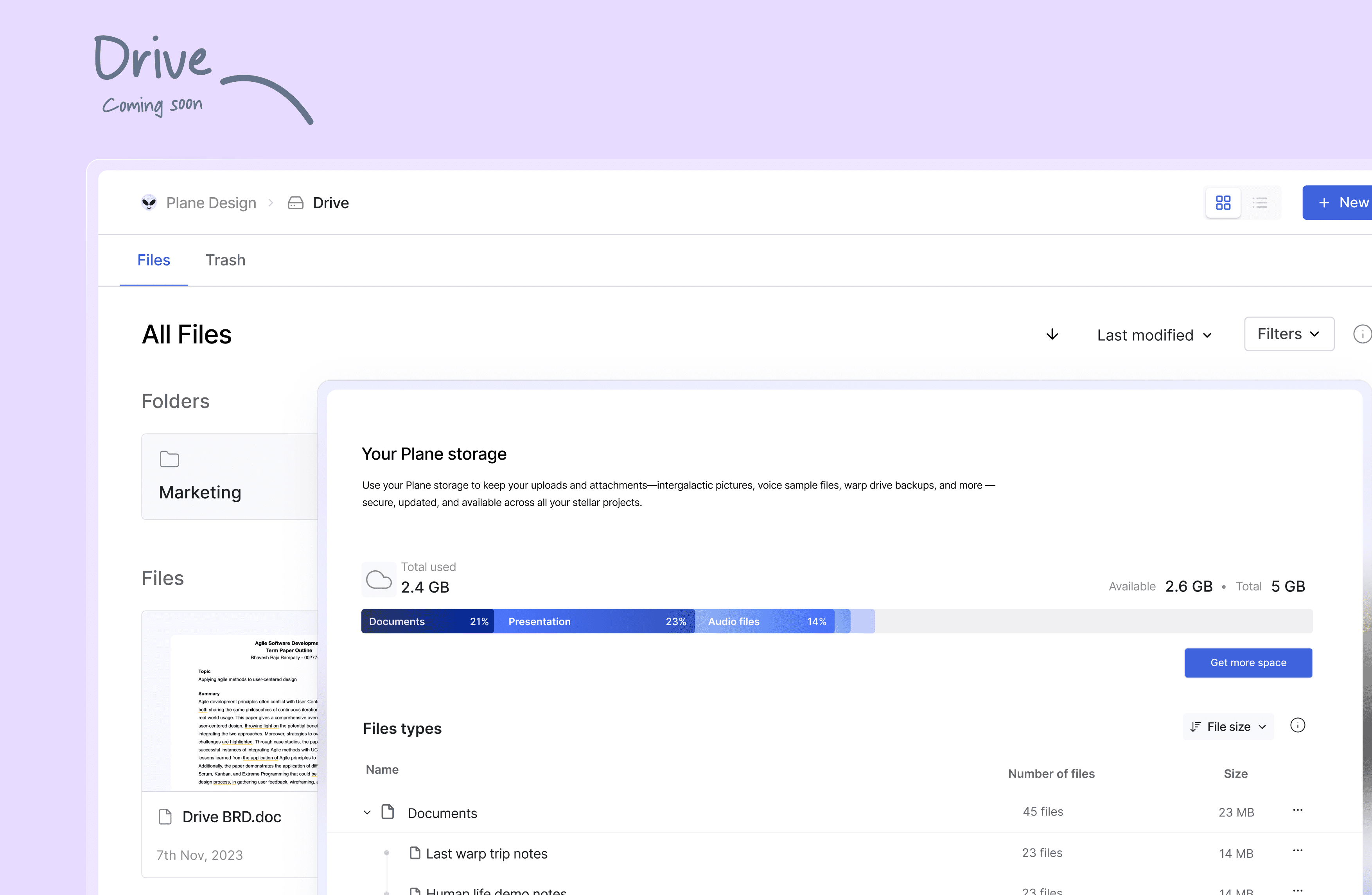
Drive (coming soon): The drive helps you share documents, images, videos, or any other files that make sense to you or your team and align on the problem/solution.
🛠️ Quick start for contributors
Development system must have docker engine installed and running.
Setting up local environment is extremely easy and straight forward. Follow the below step and you will be ready to contribute -
- Clone the code locally using:
git clone https://github.com/makeplane/plane.git - Switch to the code folder:
cd plane - Create your feature or fix branch you plan to work on using:
git checkout -b <feature-branch-name> - Open terminal and run:
./setup.sh - Open the code on VSCode or similar equivalent IDE.
- Review the
.envfiles available in various folders. Visit Environment Setup to know about various environment variables used in system. - Run the docker command to initiate services:
docker compose -f docker-compose-local.yml up -d
You are ready to make changes to the code. Do not forget to refresh the browser (in case it does not auto-reload).
Thats it!
❤️ Community
The Plane community can be found on GitHub Discussions, and our Discord server. Our Code of conduct applies to all Plane community chanels.
Ask questions, report bugs, join discussions, voice ideas, make feature requests, or share your projects.
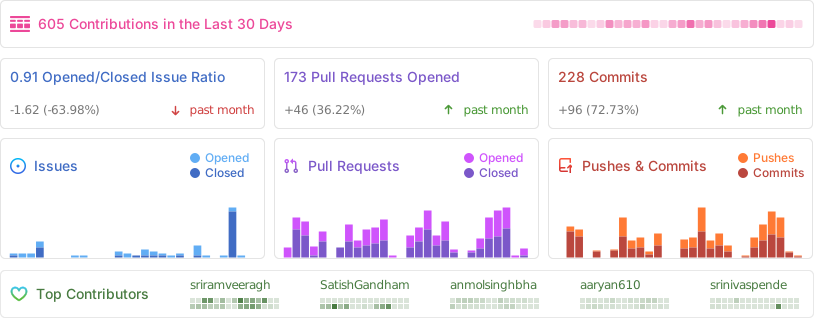
Repo Activity
📸 Screenshots
⛓️ Security
If you believe you have found a security vulnerability in Plane, we encourage you to responsibly disclose this and not open a public issue. We will investigate all legitimate reports.
Email squawk@plane.so to disclose any security vulnerabilities.
❤️ Contribute
There are many ways to contribute to Plane, including:
- Submitting bugs and feature requests for various components.
- Reviewing the documentation and submitting pull requests, from fixing typos to adding new features.
- Speaking or writing about Plane or any other ecosystem integration and letting us know!
- Upvoting popular feature requests to show your support.